
Sign-Up
Step 1
Go to the webvault site to sign-up for an account (Note: you must already have an account created with the authentication server).
Step 2
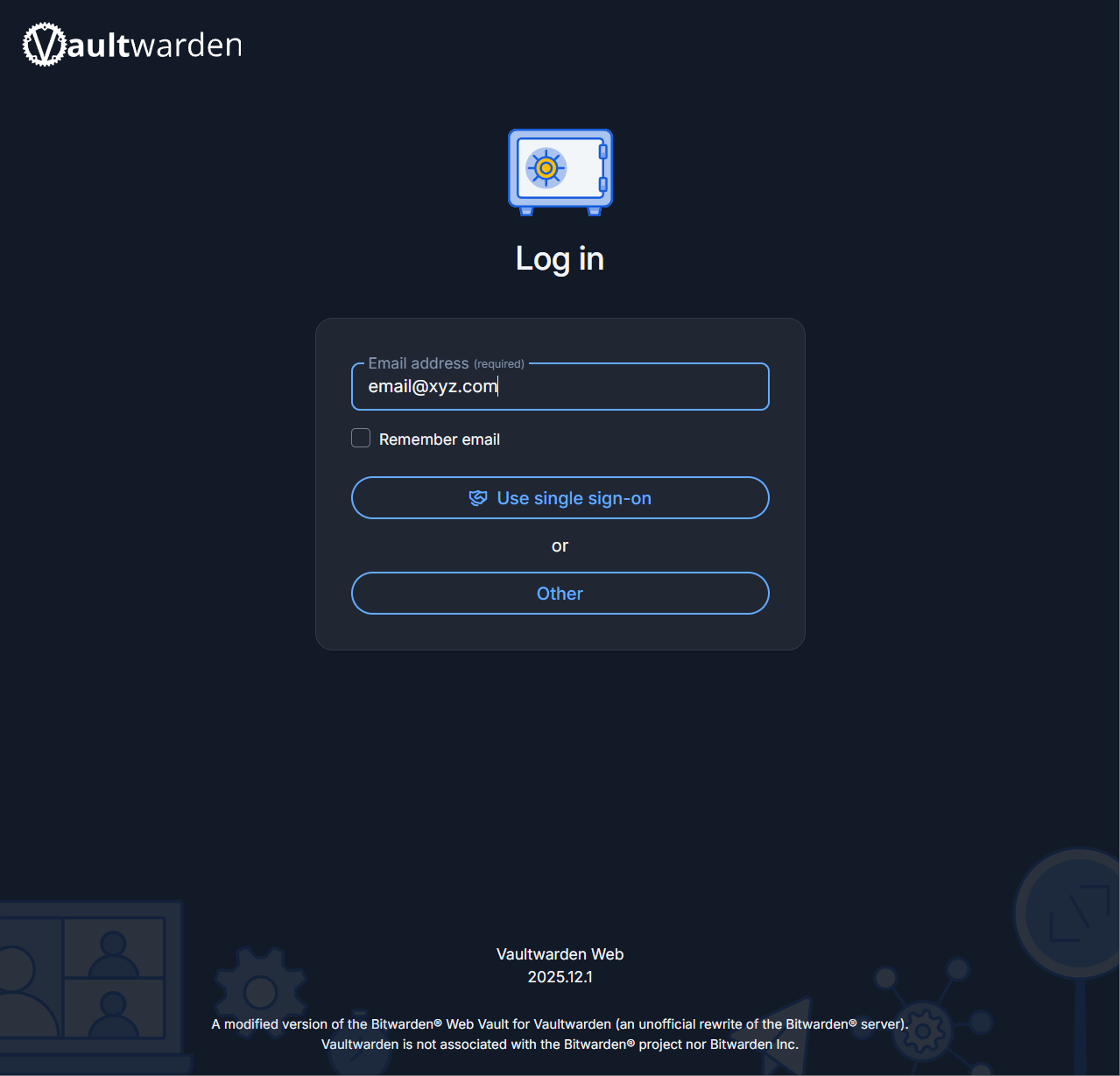
You'll be presented with a log-in page. Fill in the email address with any address (it does not matter what it is as along as it follows the format email@xyz.com)
Step 3
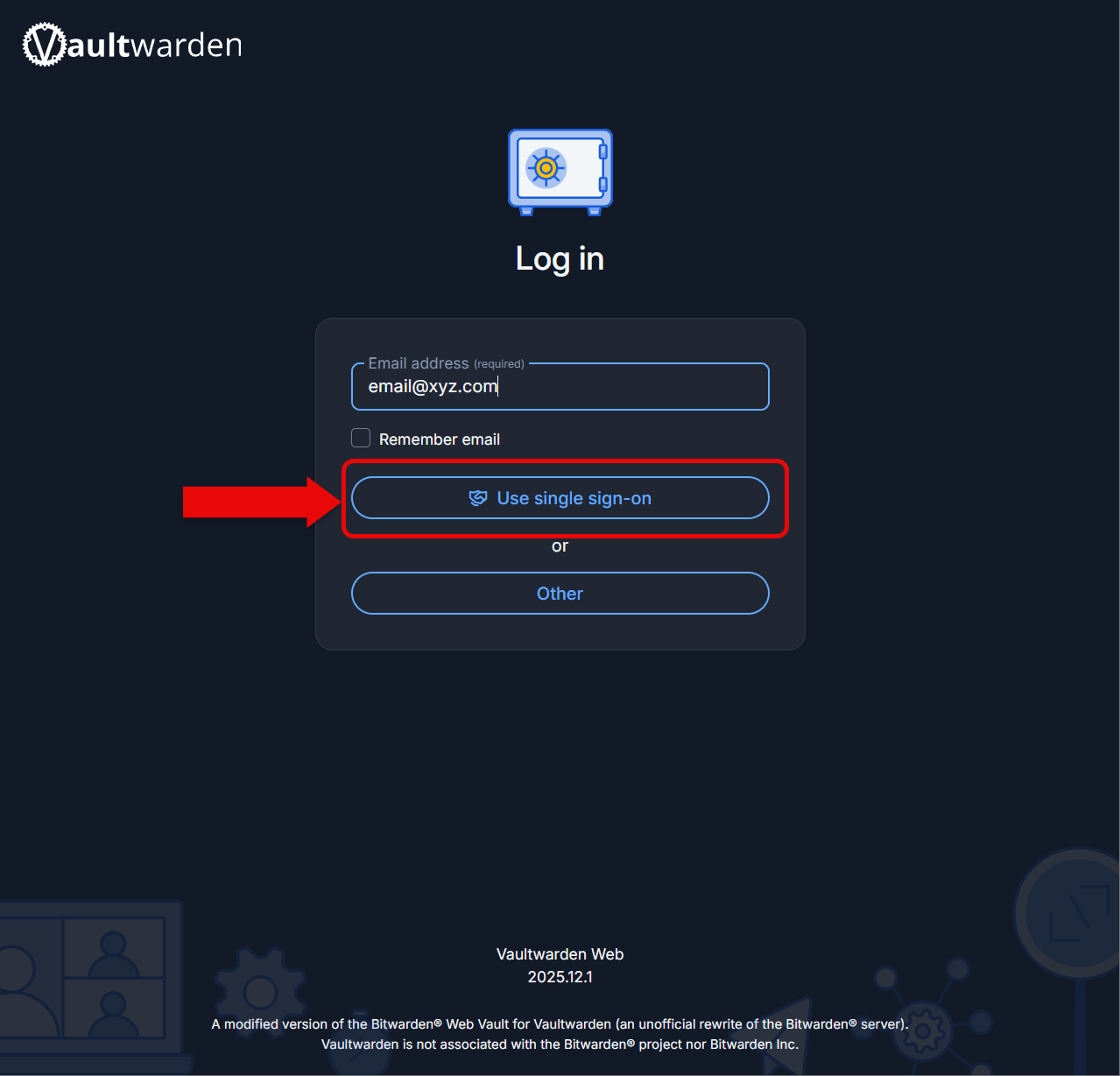
Click on Use single sign-on to log create your account.
Step 4
Log into the authentication like normal. You will be redirected back to Bitwarden shortly.
Step 5
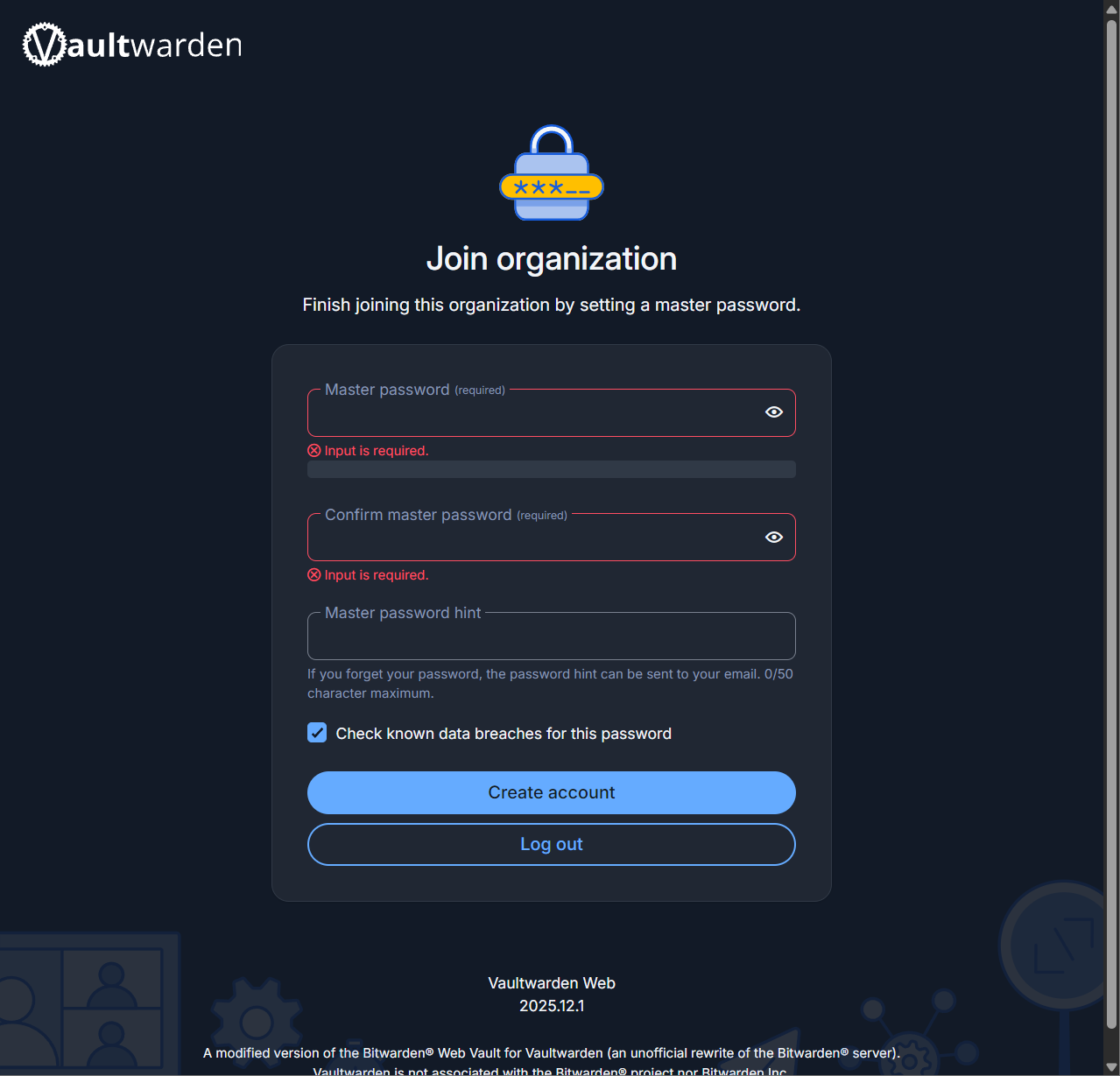
Next, enter a master password that you'll need to type in every time you log into the manager. This is for security purposes.
Step 6
Click create account to finish the process.
Step 7
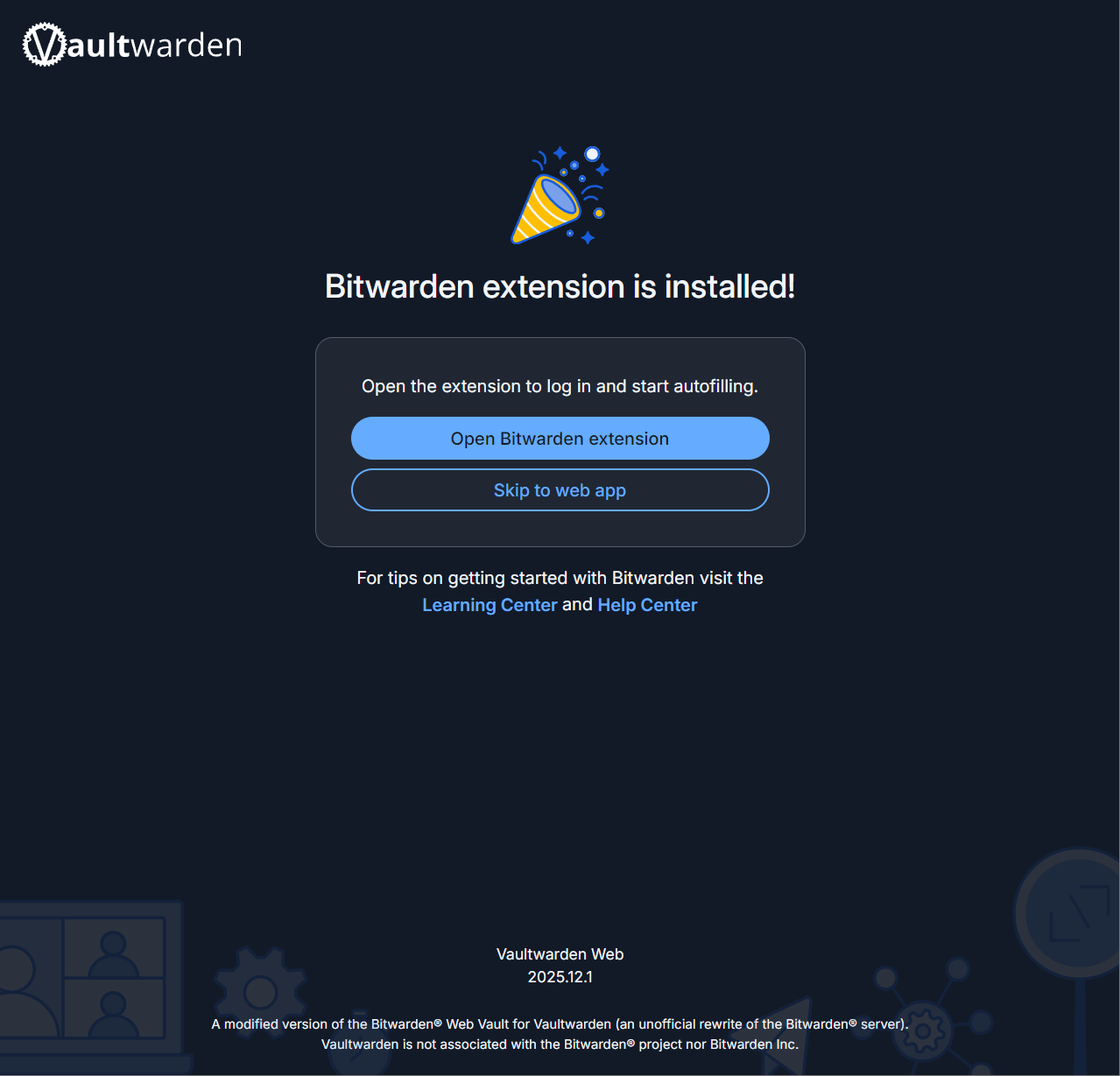
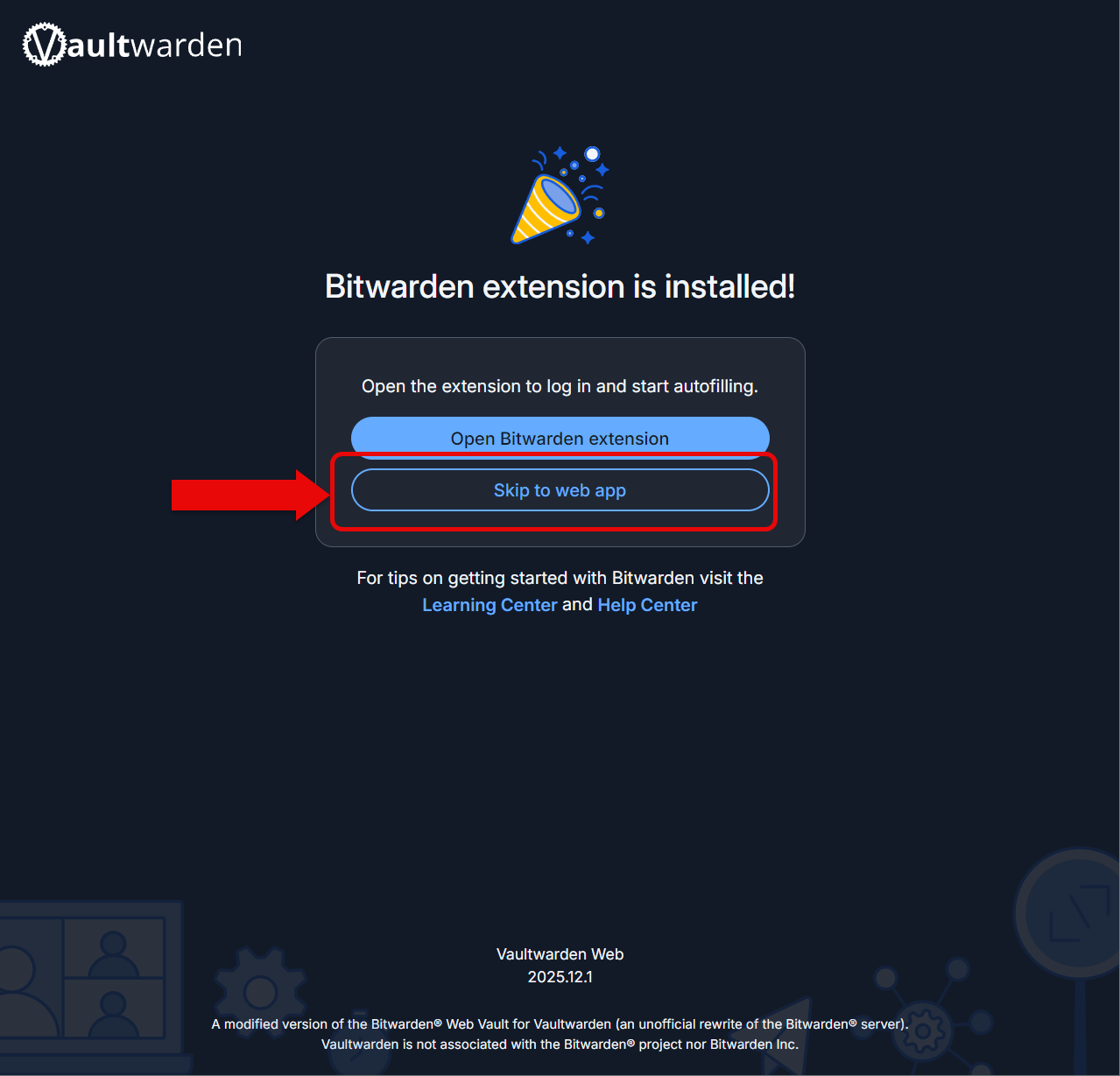
If you plan on using the extension inside the browser, go ahead and click on the button to go to the download page.
Step 8
Go ahead and click skip to web app when/if you've finished installing the extension.
Step 9
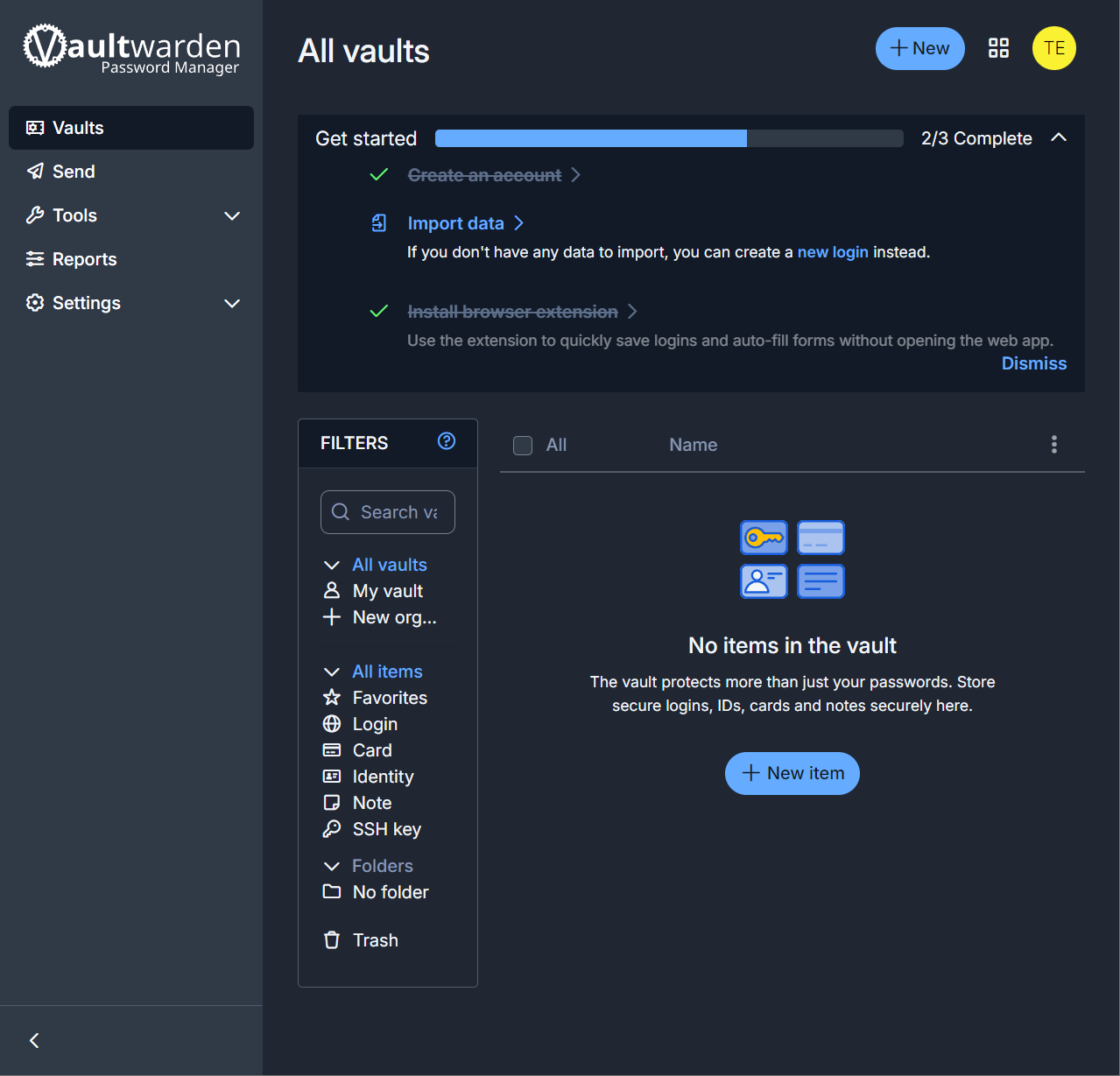
Go ahead and let the administrator know you'd like to be added to the organization. Once that's happened, you'd need to learn how to use Bitwarden.
No comments to display
No comments to display