
Mattermost Registration and Login
Account Creation
Click here to create an account. You need to make an account here to be able to access the chat server.
Browser/Desktop Setup
- Visit chat.revivenovi.org
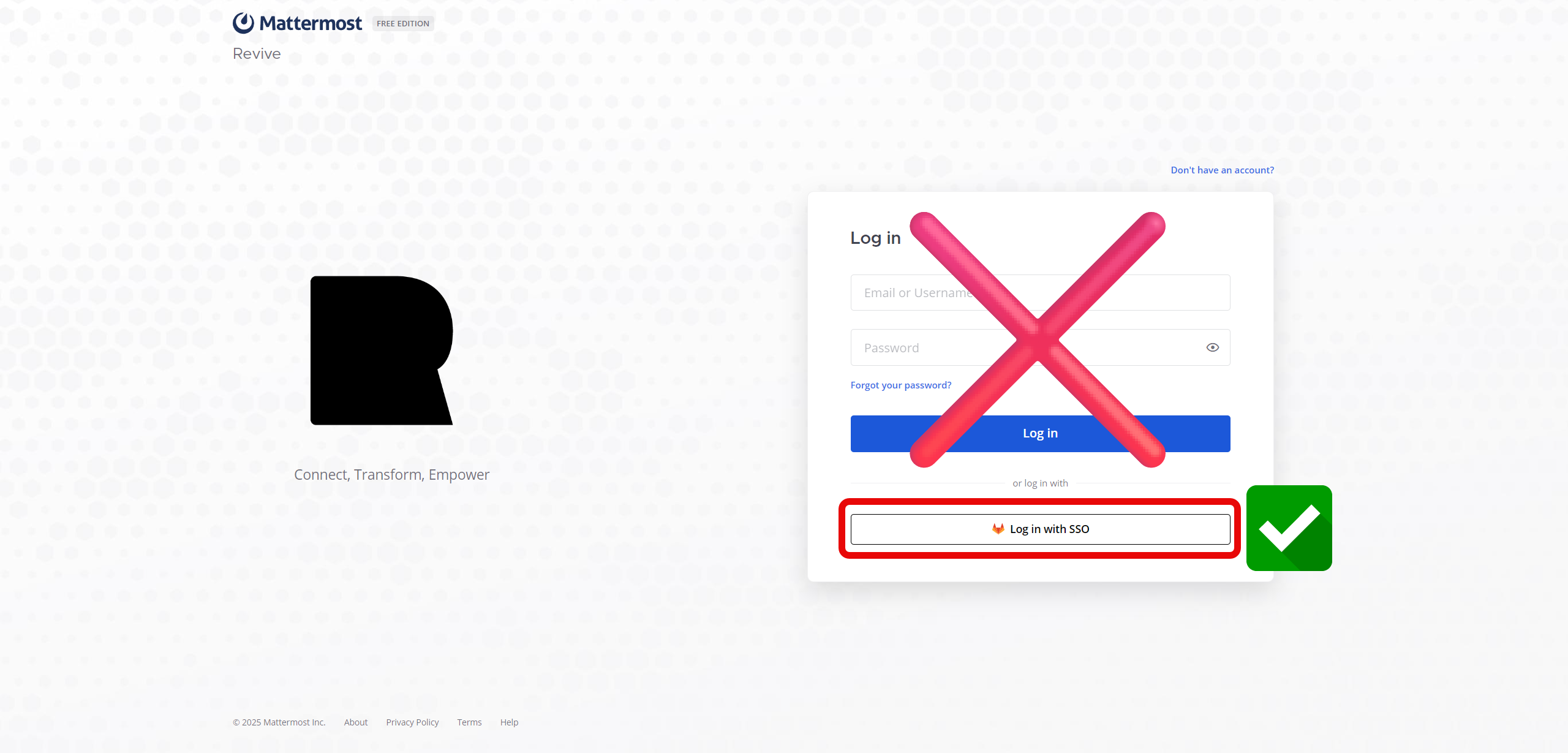
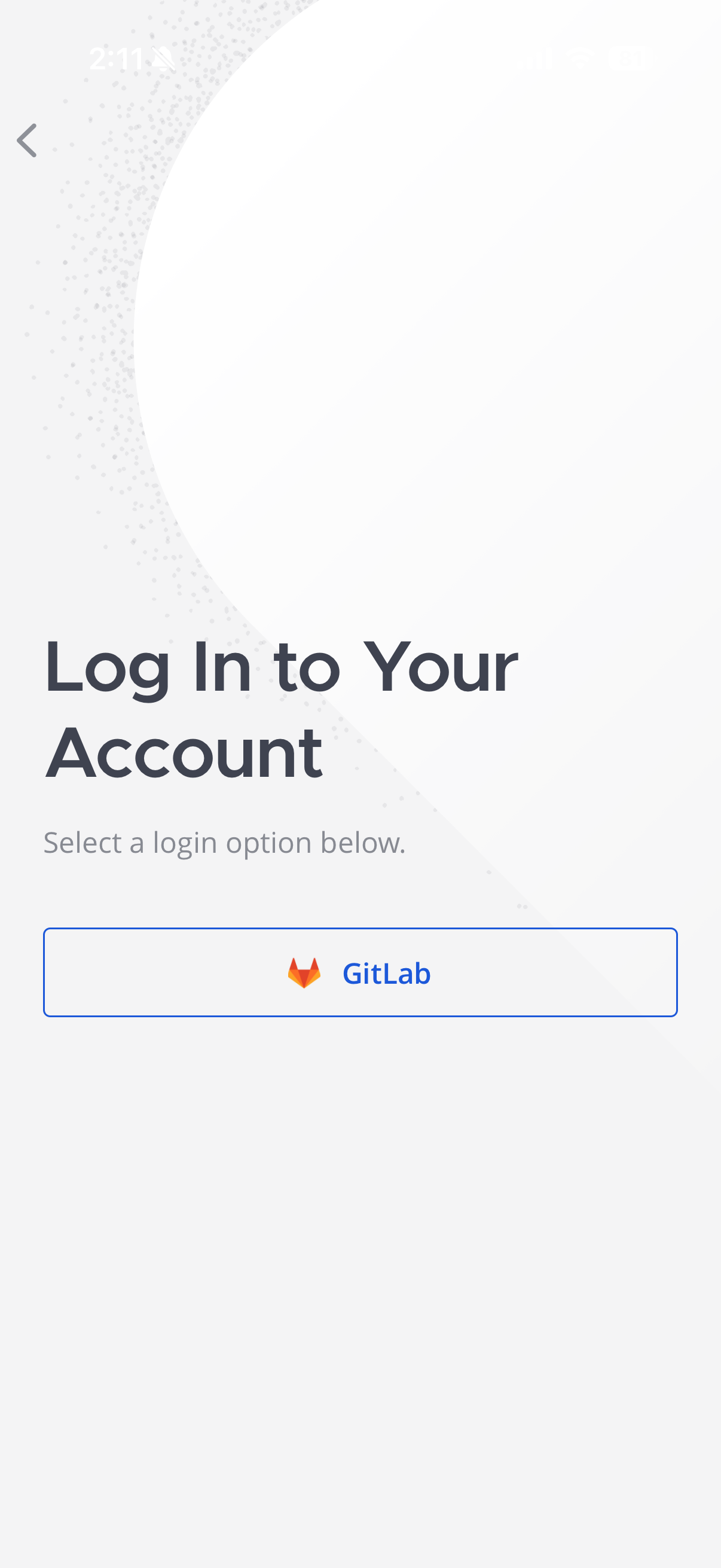
- Click on Sign in with SSO or GitLab

- If you're not already logged into the authentication server, log in and you should be automatically logged into the chat server.
- Always remember to log in using the SSO as that is the preferred way to log in to this service
Mobile App Setup
- Download the Mattermost app from either the Apple App Store or Google Play Store.
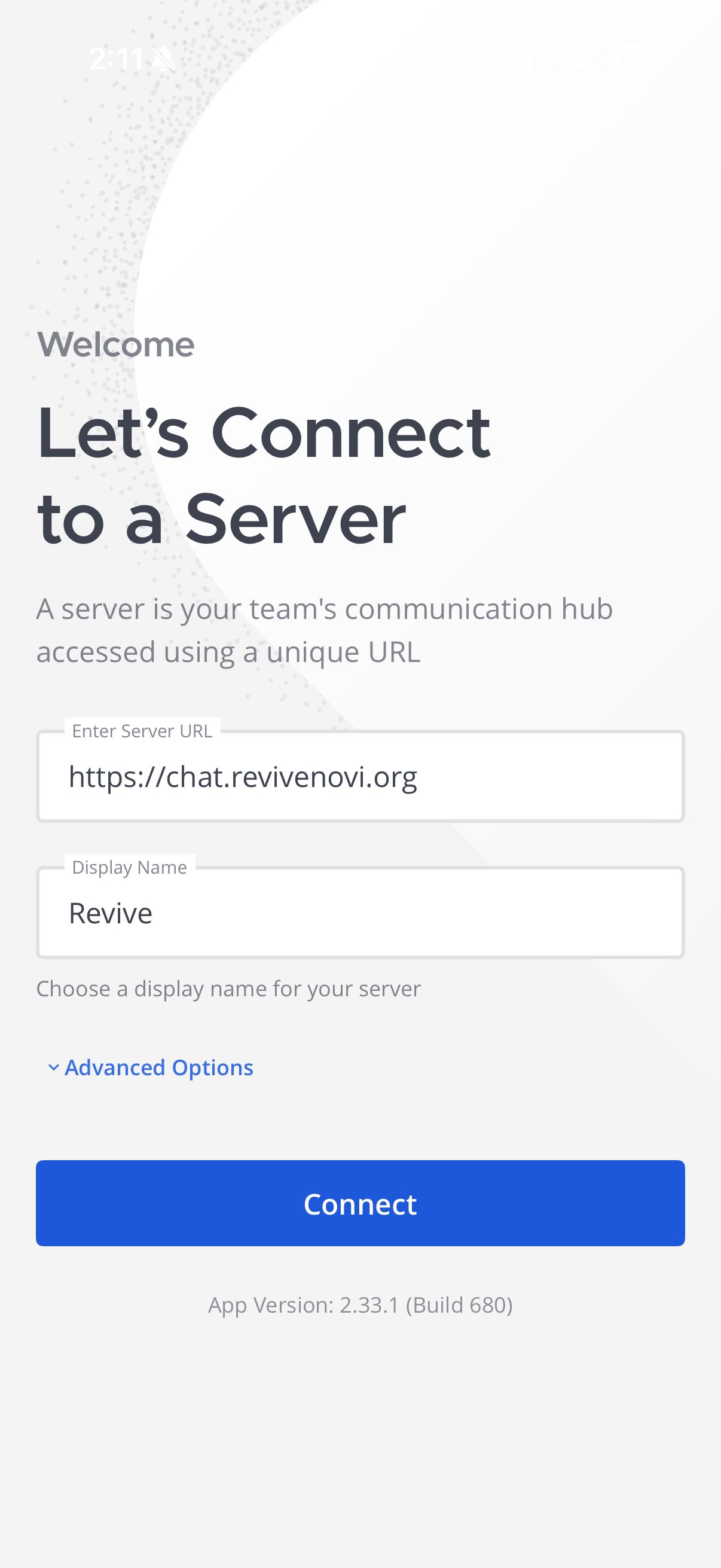
- If you are prompted to connect to a server use the following information:
Server url: https://chat.revivenovi.org
Display name: Revive
Using Mattermost
Watch this quick 3min video on how we will be using Mattermost here!