Mattermost Registration and Login
Step 1
Click here to create an account. You need to make an account here to be able to access the chat server.
Step 2
- Visit chat.revivenovi.org
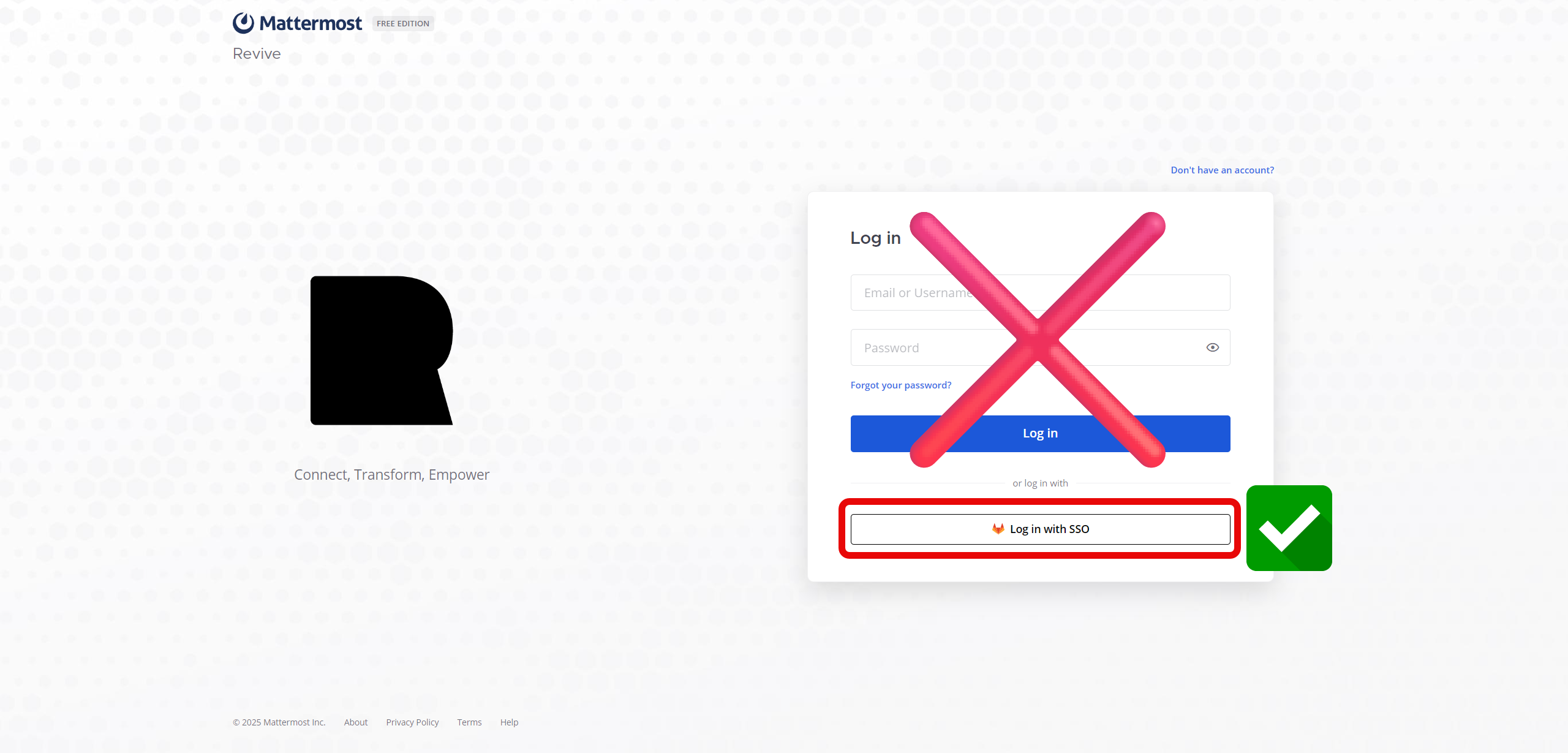
- Click on Sign in with SSO

- If you're not already logged into the authentication server, log in and you should be automatically logged into the chat server.
- Always remember to log in using the SSO as that is the preferred way to log in to this service