Chat Server (Mattermost)
Mattermost Registration and Login
Account Creation
Click here to create an account. You need to make an account here to be able to access the chat server.
Mobile App Setup
Getting Started with Mattermost on Mobile 📱 - Watch Video
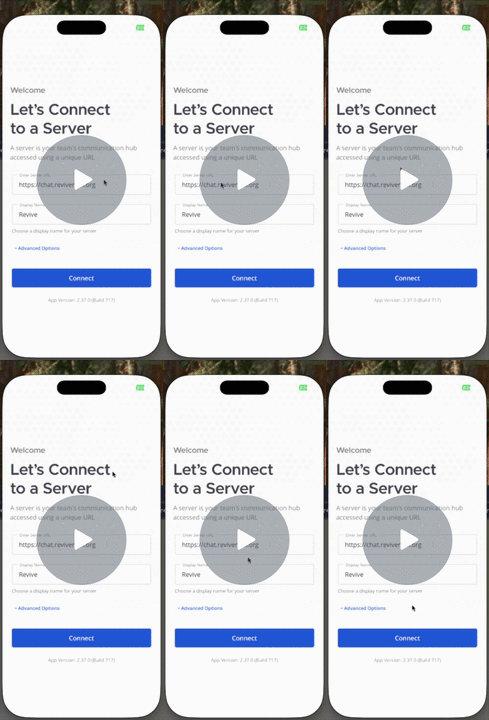
- Download the Mattermost app from either the Apple App Store or Google Play Store.


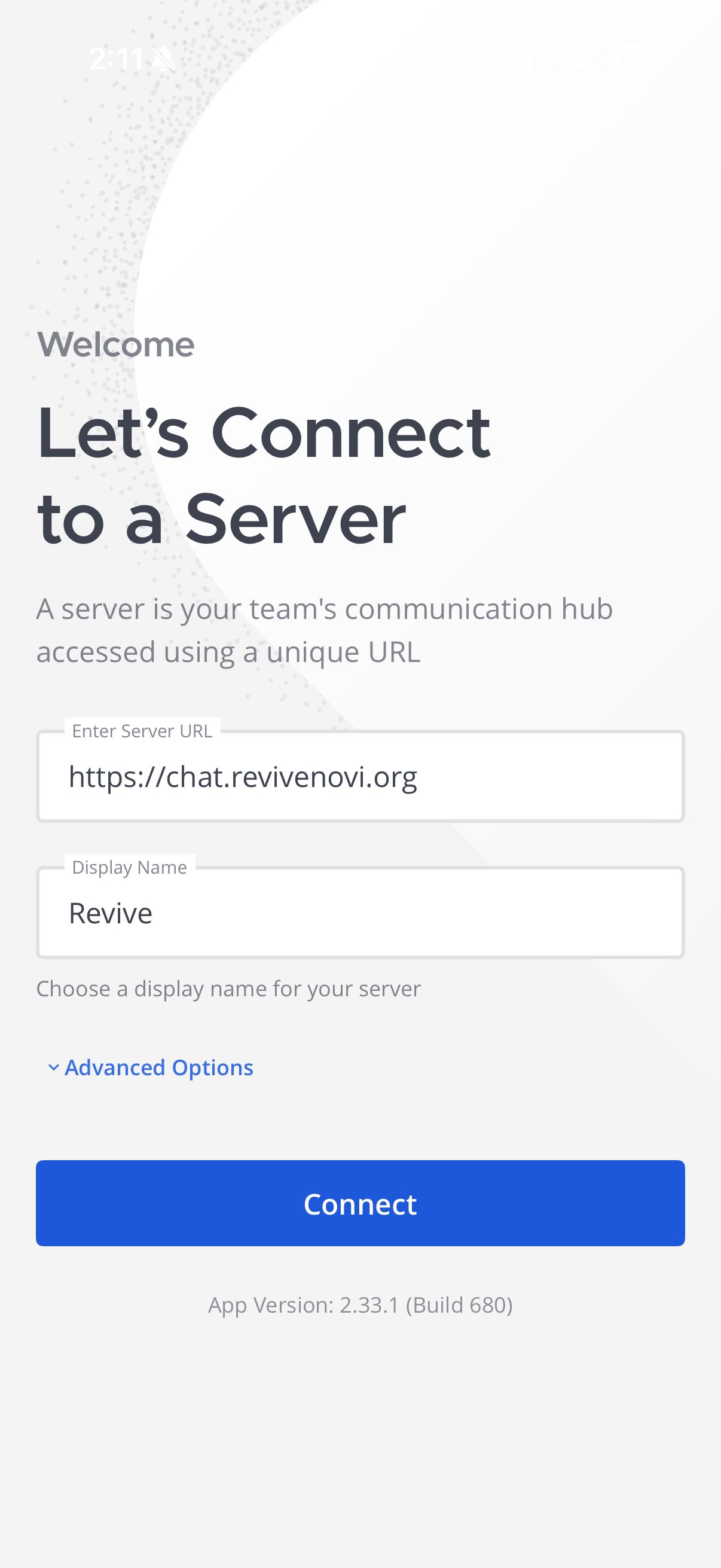
- If you are prompted to connect to a server use the following information:
Server url: https://chat.revivenovi.org
Display name: Revive
Browser/Desktop Setup
- Visit chat.revivenovi.org
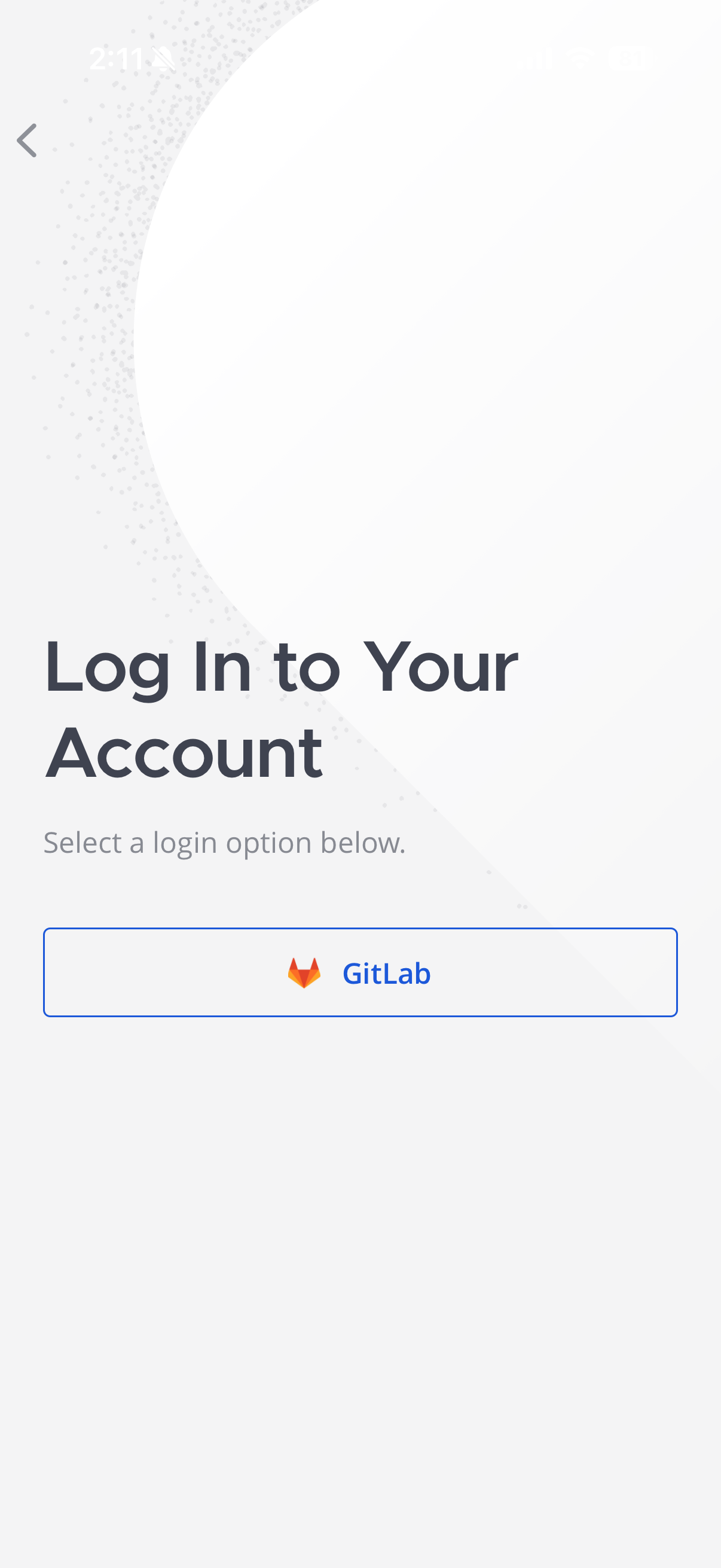
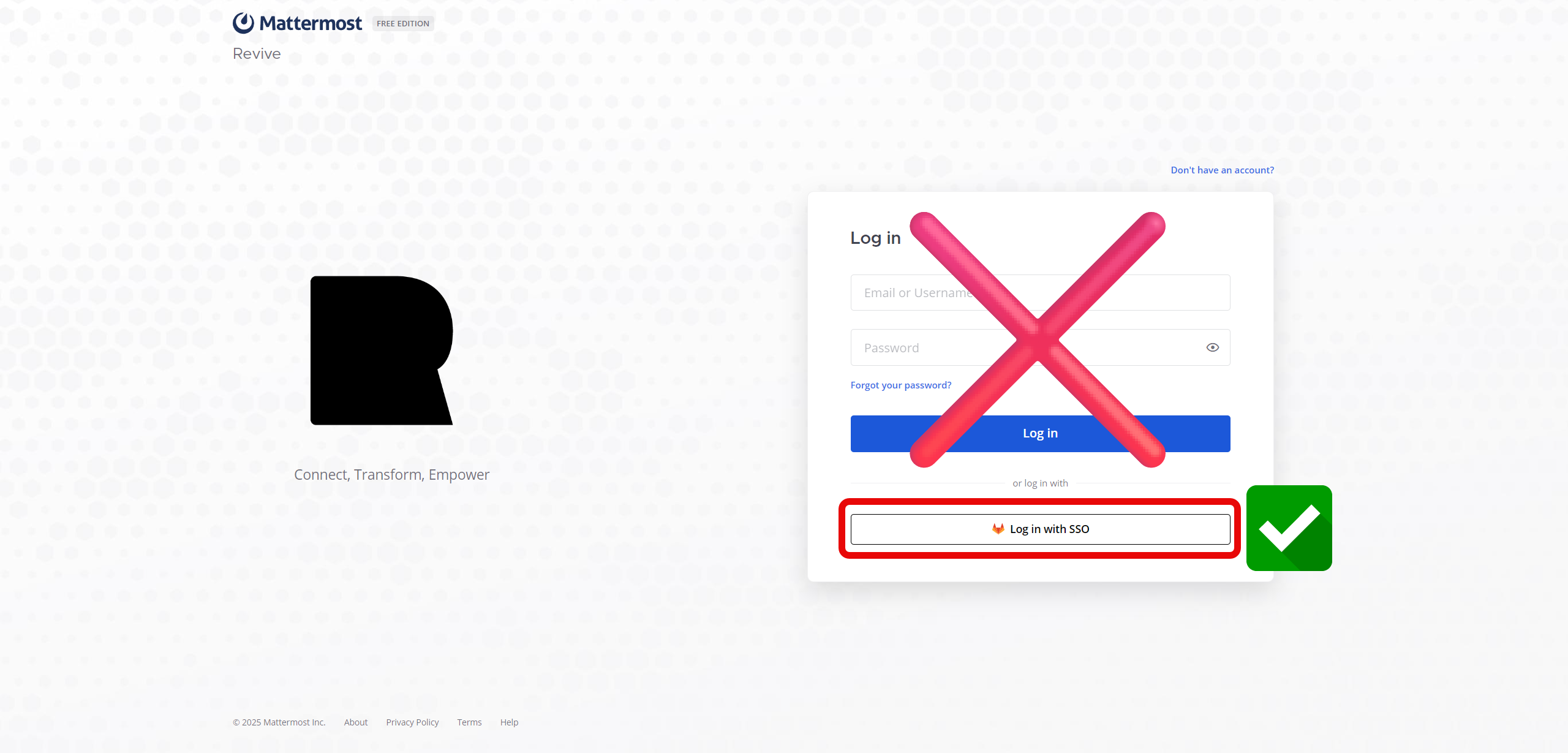
- Click on Sign in with SSO or GitLab

- If you're not already logged into the authentication server, log in and you should be automatically logged into the chat server.
- Always remember to log in using the SSO as that is the preferred way to log in to this service
Next Steps
Let's look into how to use the app!
How to Use the Mattermost
First Step: Download and Install
If you plan on using the desktop/website version as well as the mobile app version, the first step is to download the desktop app or visit the website:

Helpful Video Tutorials
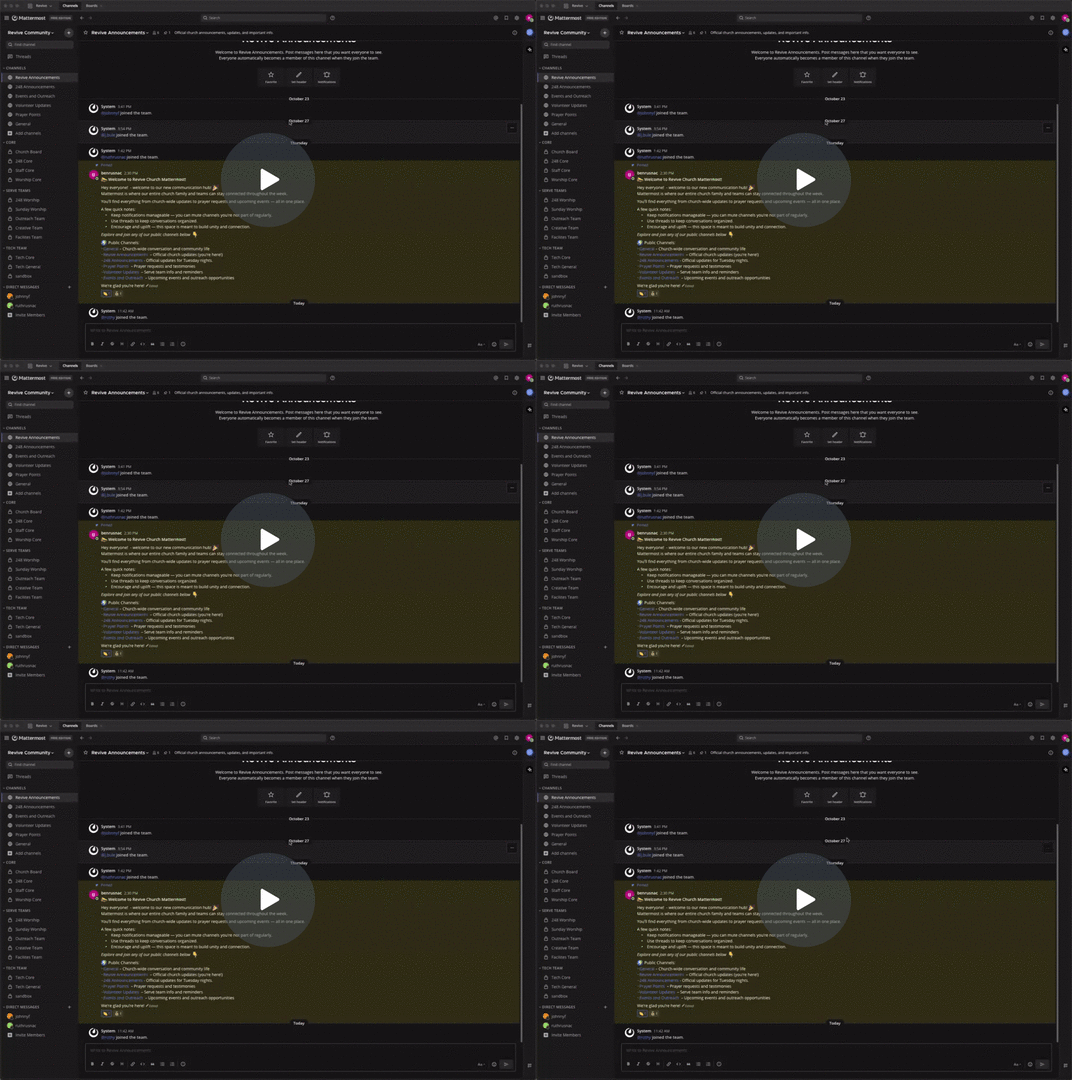
Revive Mattermost Desktop App - Watch Video
Next Steps
How to Use the Mattermost Mobile App
First Step: Download and Install
The first step, if you haven't already done so, is to download the mobile app: